The Slam App by Slam Voting!
Run your slam from your phone. The laptop at the projector only shows the display, everything else you do from the stage or the room.
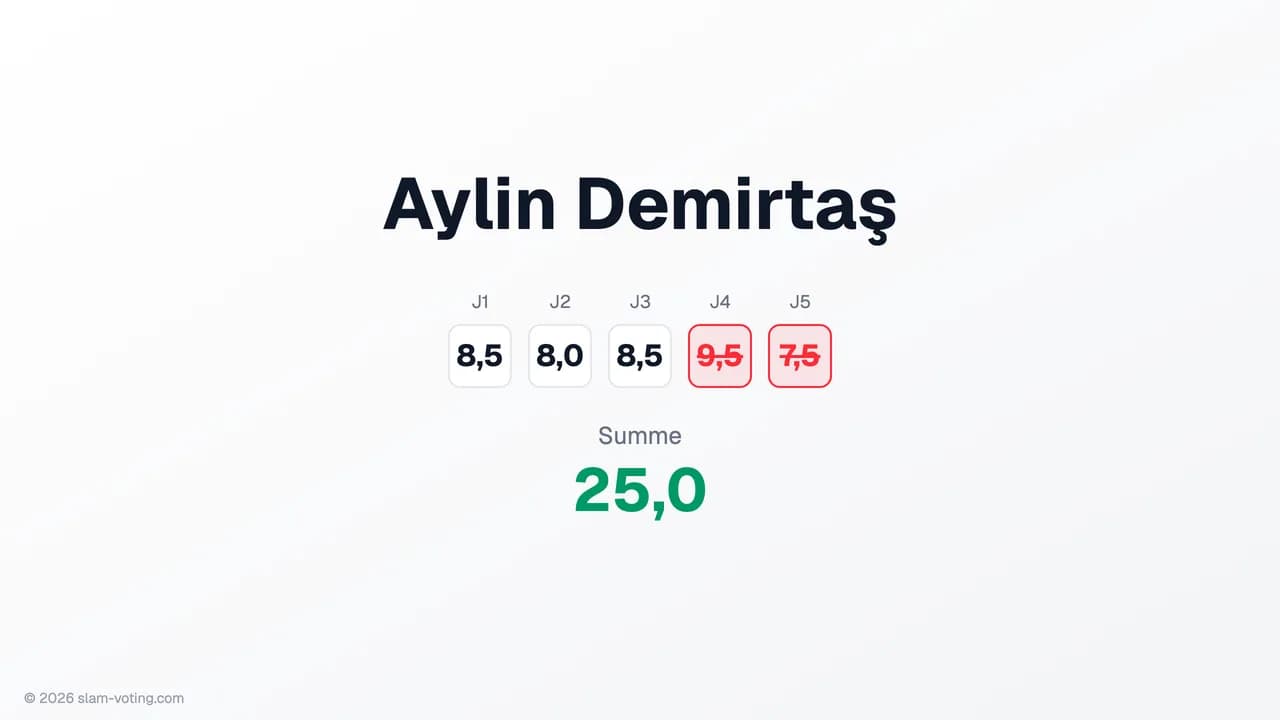
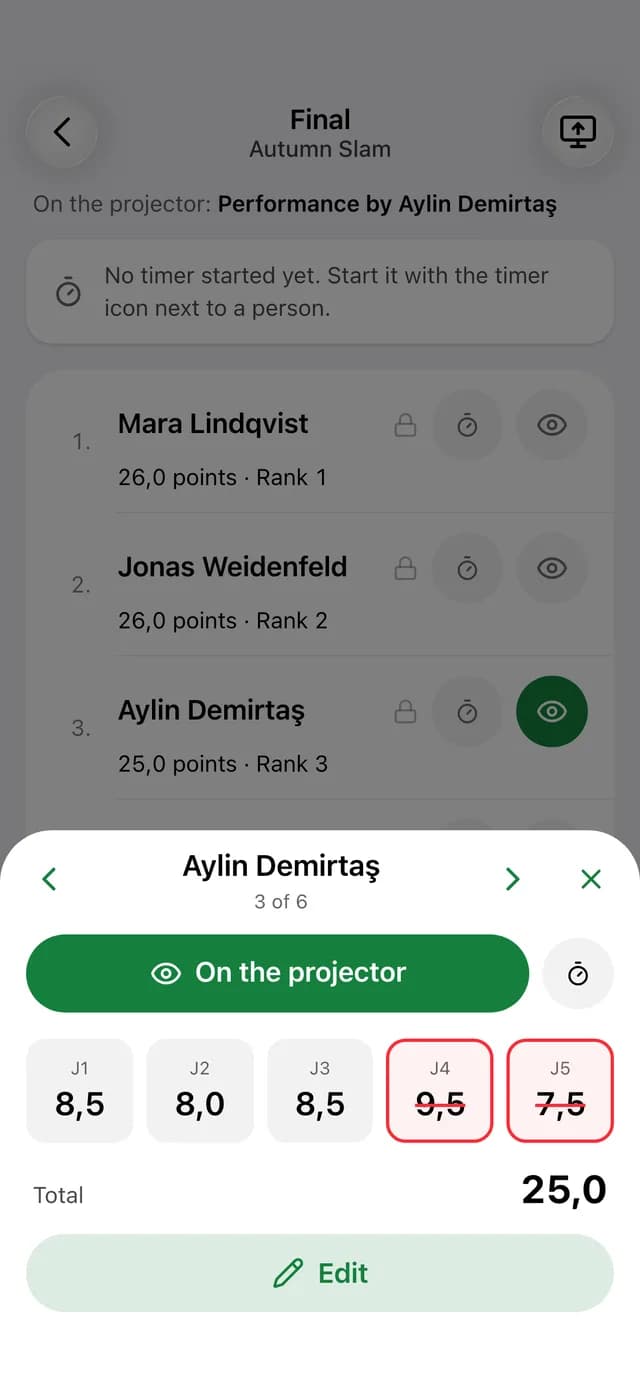
How it all works together
Connect the projector
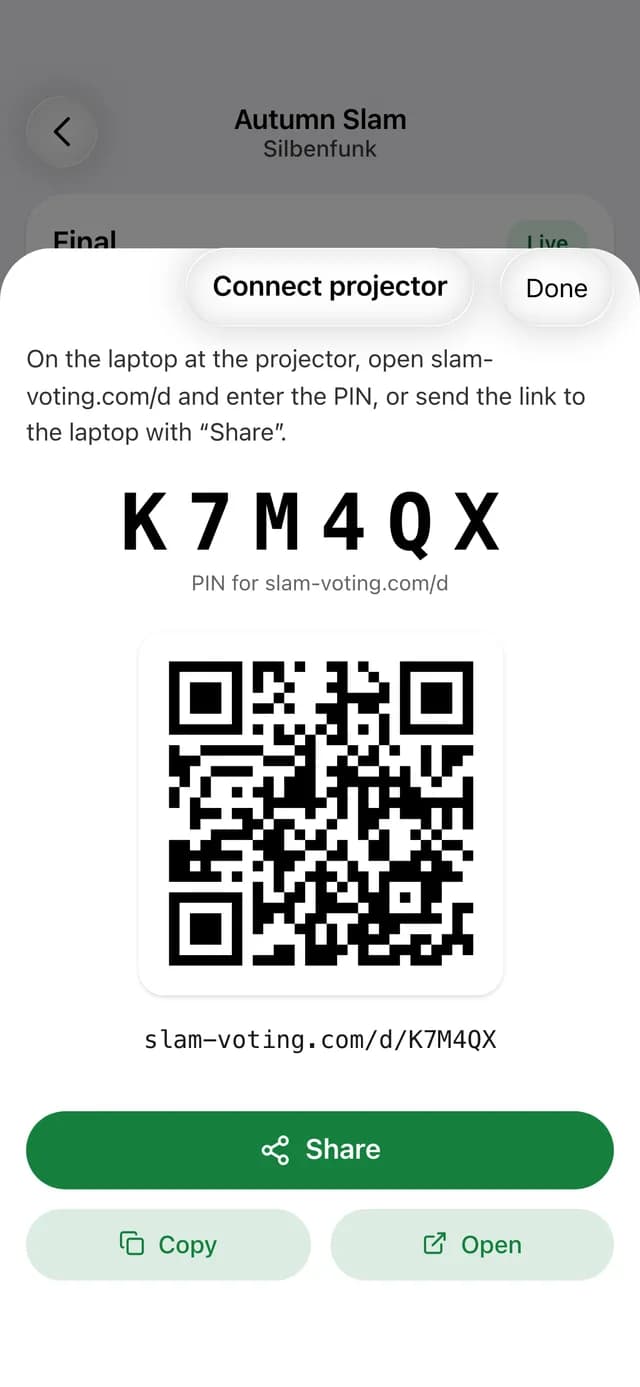
On the laptop at the projector, open slam-voting.com/d and enter the PIN from the app.
Control from your phone
Put performers on the projector, enter scores, show a break or the standings, each with one tap.
Everything is live
What you change in the app shows up on the projector and every other device right away.
The whole show in your hand
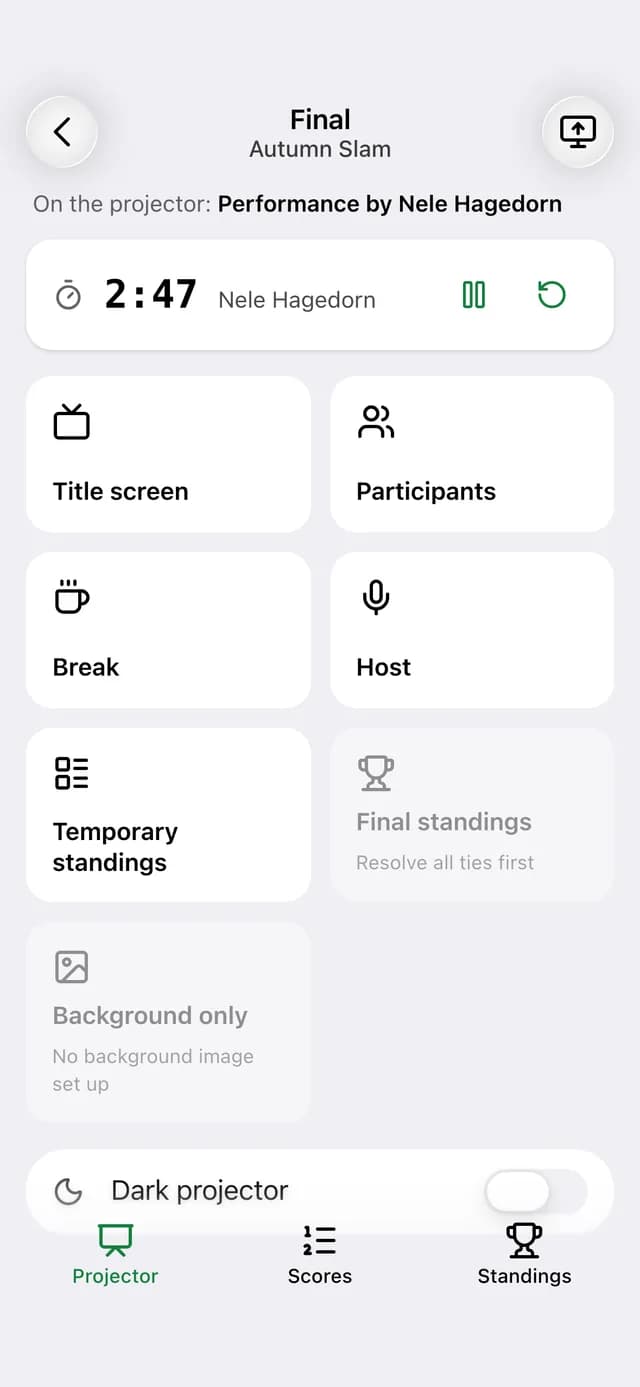
Title screen, participants, break, host and temporary standings go on the projector with one tap.
- Timer for every performance, optionally with the remaining time on the projector
- Move through texts section by section during a performance
- Show the final standings once all ties are resolved
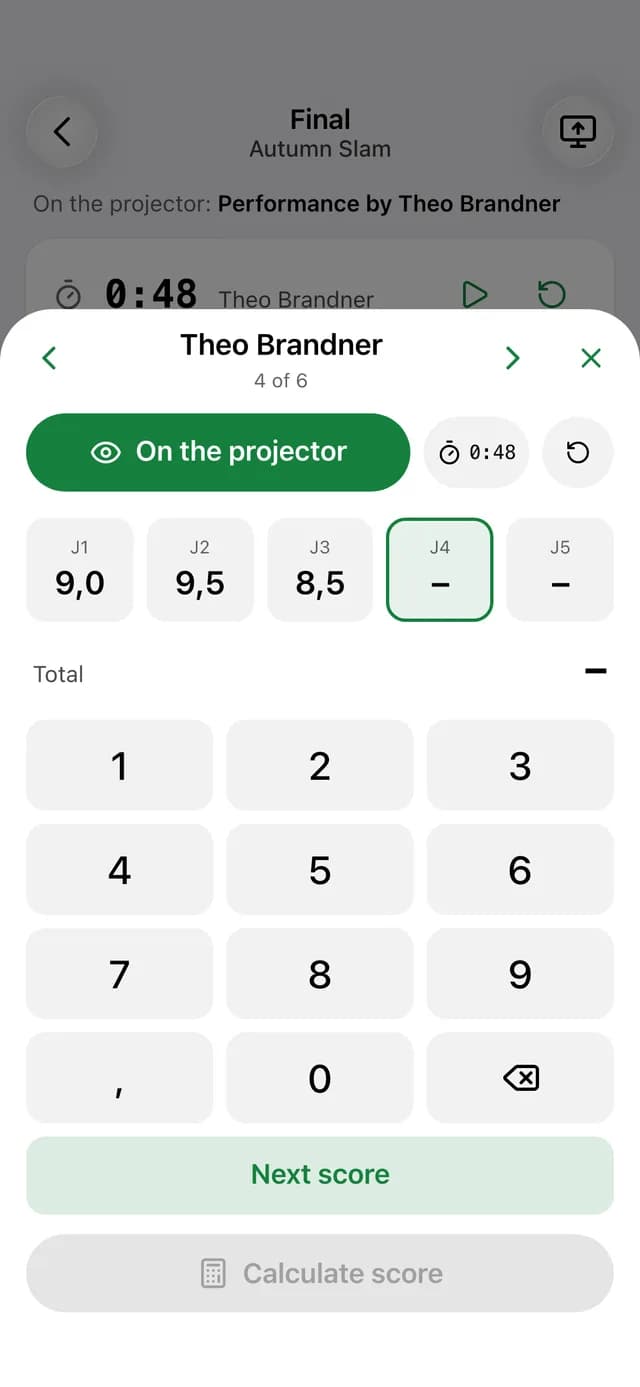
Jury scores entered in seconds
A large keypad, decimals included. The app strikes the highest and lowest score by itself.
- Applause rounds: set the order with arrows and save
- Rounds without scoring for open stages and jams
- Totals and ranks are calculated just like on the website
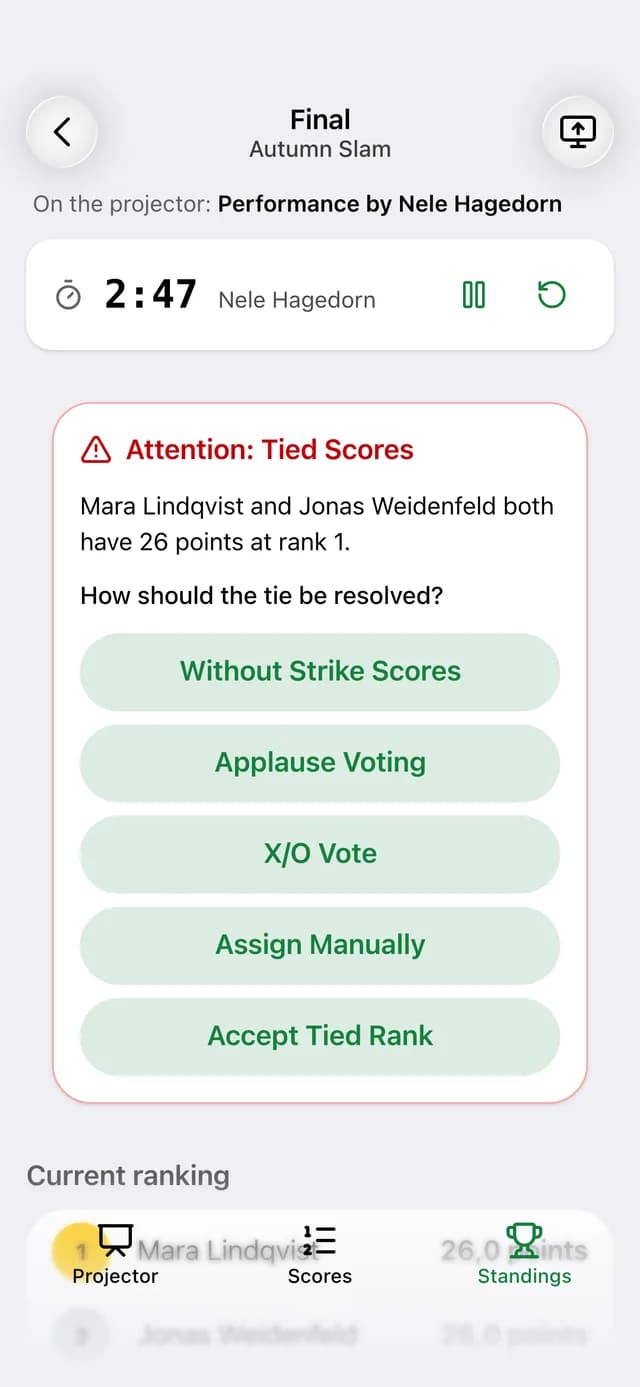
A tie? You decide live.
When two performers have the same score, the app flags the tie and you resolve it right away.
- Without strike scores or by applause
- X/O vote by the jury
- Assign manually or accept a shared rank
From the first heat to the final
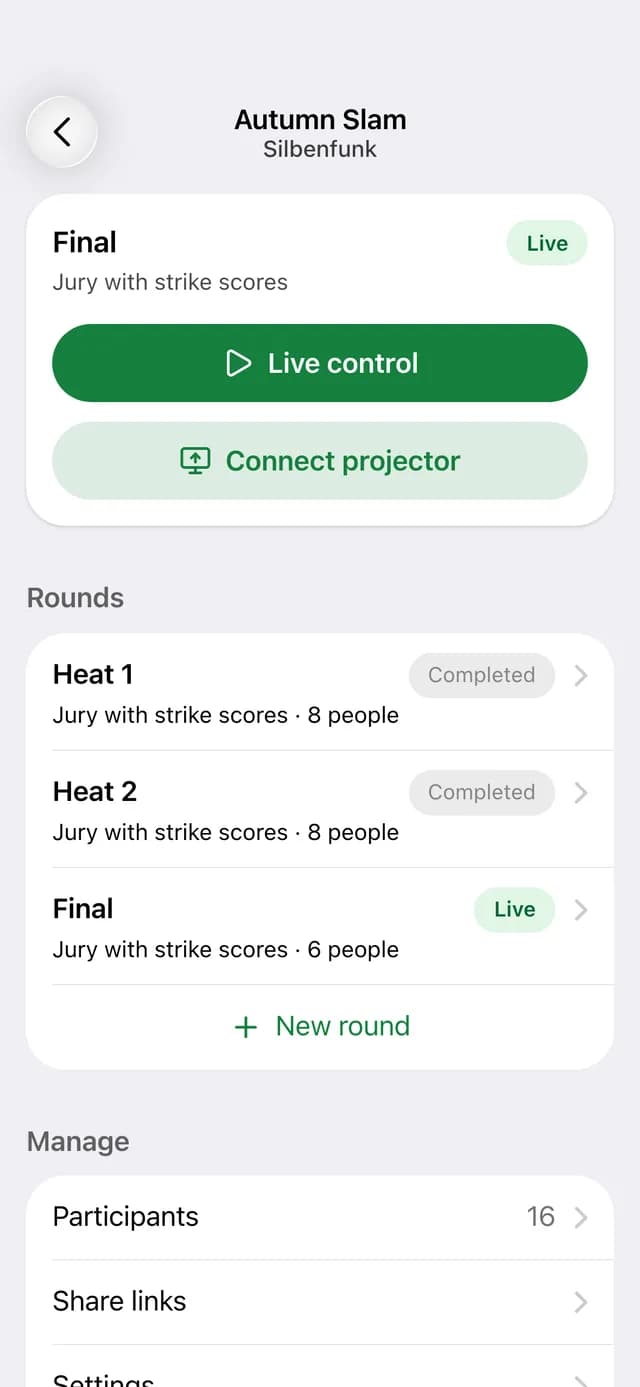
Create and edit competitions, rounds and participants right in the app.
- Follow-up round with the advancing performers right after ending the first round
- Start and end rounds just like on the website
- All teams and competitions of your account at a glance
Connect the projector with a PIN
On the laptop, open slam-voting.com/d and enter the PIN. Or share the link with a QR code.
- Control link for hosts and tech crew, no account needed
- Send links with your phone's share menu
- Copy the link or open it right away
One account for website and app
The app needs a Slam Voting account. You can sign up right here on the website. Larger settings such as groups, hosts, text selection and logos stay on the website.
Get the Slam App
For iOS and Android. Sign in with your Slam Voting account and run your next slam from your phone.