Search docs
Search guides, terms and topics
Set Up the Display
The live display shows results in real time on a projector, TV, or your audience's smartphones. Access works via a 6-digit PIN, similar to Kahoot.
Find the PIN
Each round automatically has its own PIN. You can find it by:
- Opening the live view of your round
- The PIN is shown at the top (e.g.
AB12CD) - Share this PIN with your audience

Open the Display
There are two ways to open the display:
Option 1: PIN Entry
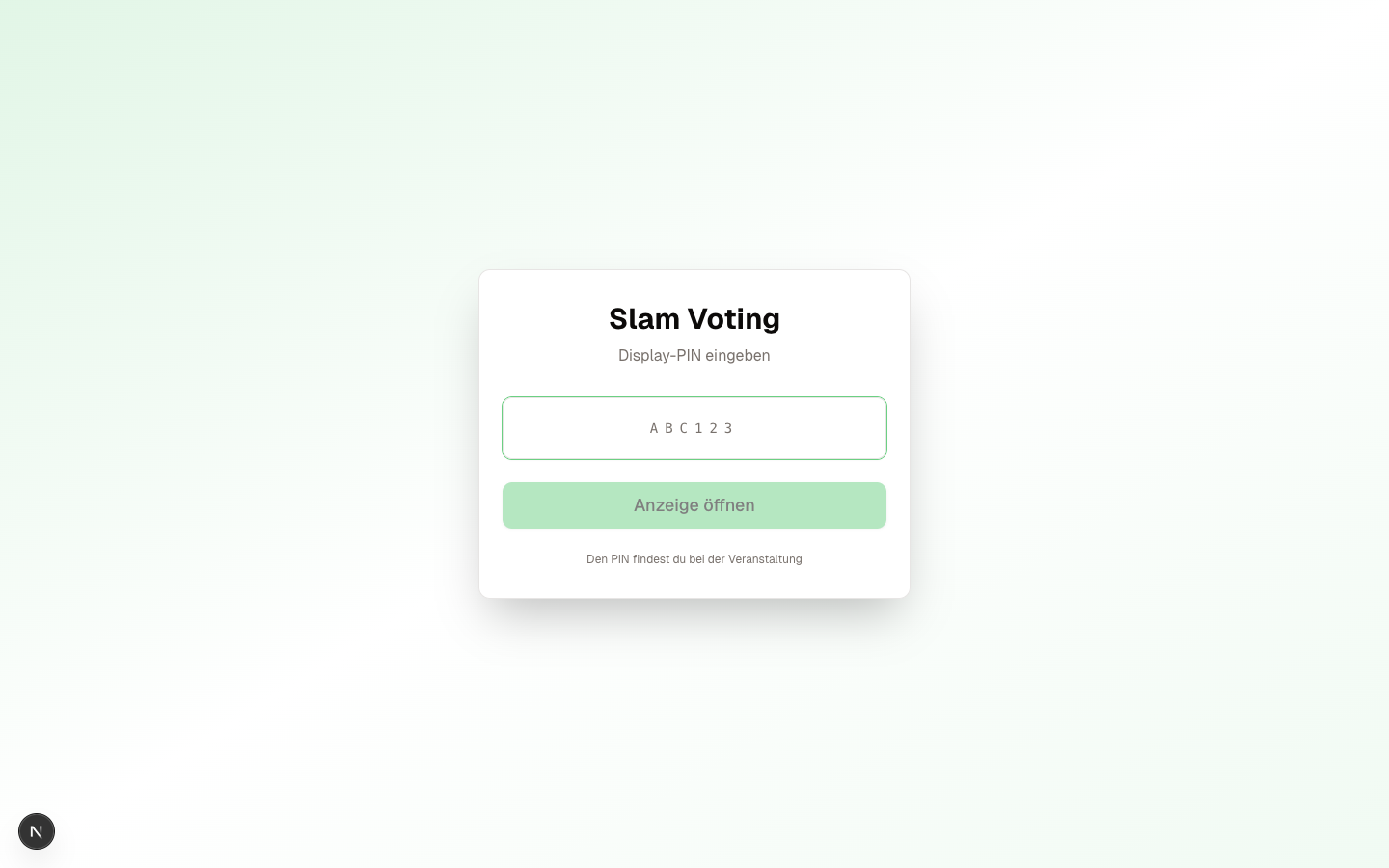
- Open slam-voting.com/display on the projector laptop or smartphone
- Enter the 6-digit PIN
- The display connects automatically
Option 2: Direct URL
Each round also has a public URL in the format:
slam-voting.com/{team-slug}/{competition-slug}/{round-id}
The round-id is a technical ID (not a readable name). The easiest approach is to copy the full URL directly from the app (top right in the live view) and share it on posters or social media.
What Does the Display Show?
The host controls which screen is currently displayed. Available screens:
- Title: name of the competition and round
- Performer: who is currently on stage?
- Scores: individual scores after a performance
- Round results: rankings after a round
- Overall ranking: results across all rounds
- Winner: reveal with optional confetti animation
- Break: break screen with optional countdown
- Participants overview: all performers at a glance
Real-Time Updates
The display updates automatically in real time. As soon as you select a new screen or enter scores as host, the audience sees the change instantly without reloading the page.
Tips for the Projector
- Open the display in full-screen mode (F11 in the browser)
- Use dark mode for better readability on projectors
- Test the connection before the event. A quick trial run saves stress.
Password Protection (Optional)
You can optionally protect a round with a password. In that case, audience members must enter the password before they can see the display. Useful for private events.
Next Step
Display up and running? Learn more about the different scoring methods.