Search docs
Search guides, terms and topics
Set Up the Lineup
The lineup determines which performers appear in a round and in what order. You set it up when creating or editing a round.
Select from the Pool
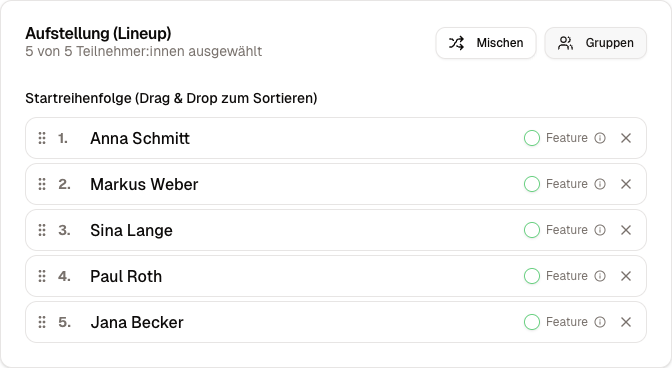
In the lineup editor, you see a selection list with all active performers from your performer pool. Click on a person to add them to the lineup.
Create Directly
You do not have to fill the pool beforehand. The lineup editor also lets you create new performers on the spot. These are automatically added to the pool and available for future competitions.
Set the Order
The order in the lineup determines the performance order. You change it by drag-and-drop: drag a person to the desired position.
Shuffle
The shuffle button randomizes the lineup. Useful when the order does not matter or you want a fair random distribution.
When groups are active, feature guests stay in their position. Only the regular performers are shuffled.
Feature Guests
A feature guest is a person who performs but is excluded from the rankings. Typical example: a well-known guest performer who puts on a show between the regular acts.
You mark a person as a feature guest using the checkbox in the lineup editor. Feature guests:
- Are scored normally (scores are entered and shown on the display)
- Do not appear in the standings and rankings
- Cannot cause a tie
- Are excluded from advancement in groups
Editing After Going Live
In the draft status of the round, you can freely edit the lineup: add, remove, and reorder people.
Once the round is live, changes to the lineup are restricted to keep the ongoing scoring consistent.