Search docs
Search guides, terms and topics
Performer Pool
The performer pool is your central database for all performers who appear at your events. You create a person once and can then use them in any number of competitions and rounds.
Why a Pool?
Without a pool, you would have to type in all performers from scratch for every new competition. The pool saves time: name, description, and Instagram link are already stored. When creating a round, you simply select from the pool.
Create a Performer
- Open the Team Dashboard
- Navigate to Performers in the sidebar
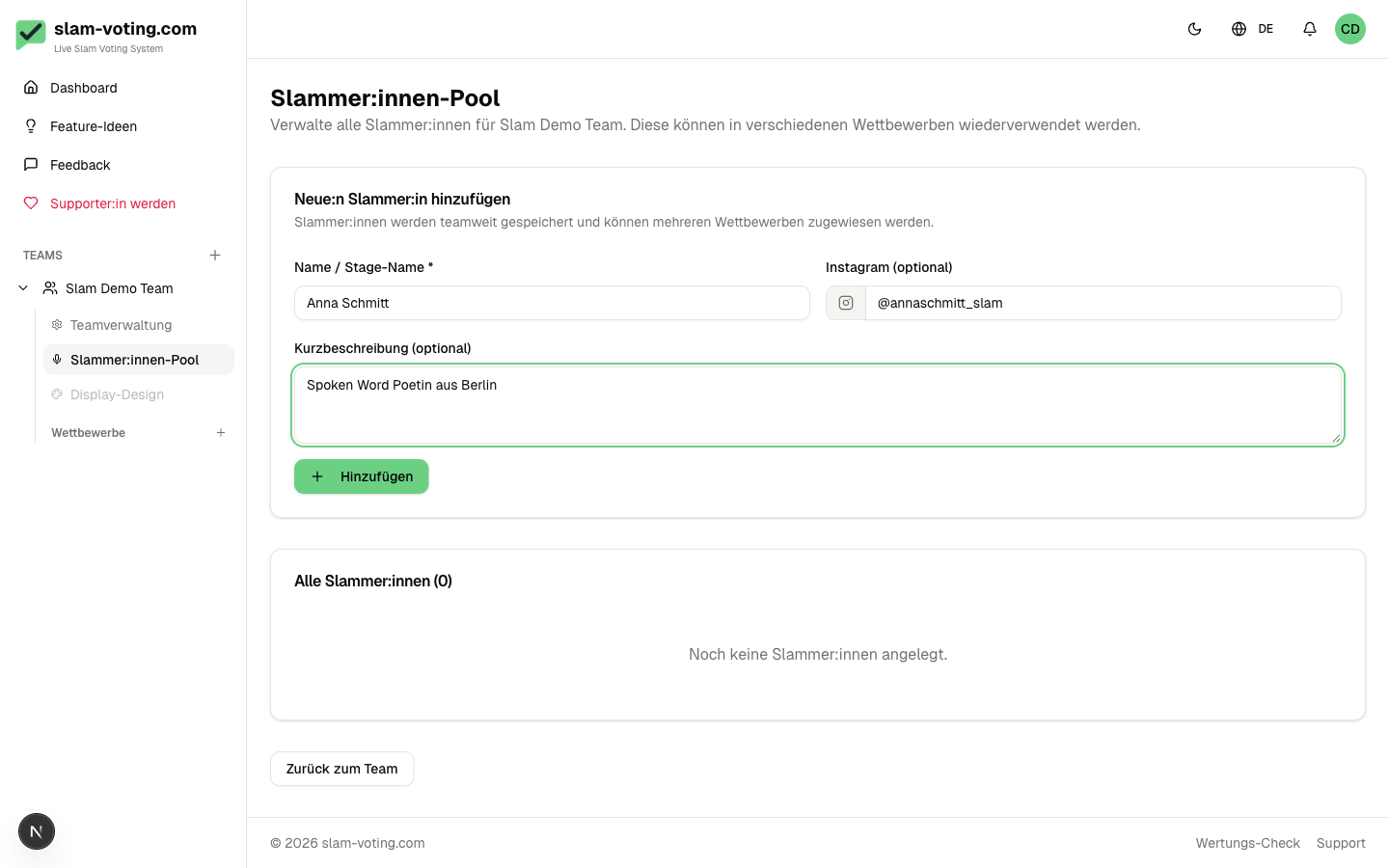
- Click New Performer
- Fill out the form:
- Name (required): stage name or real name
- Description (optional): short bio or notes
- Instagram URL (optional): link to the Instagram profile
Pool Overview
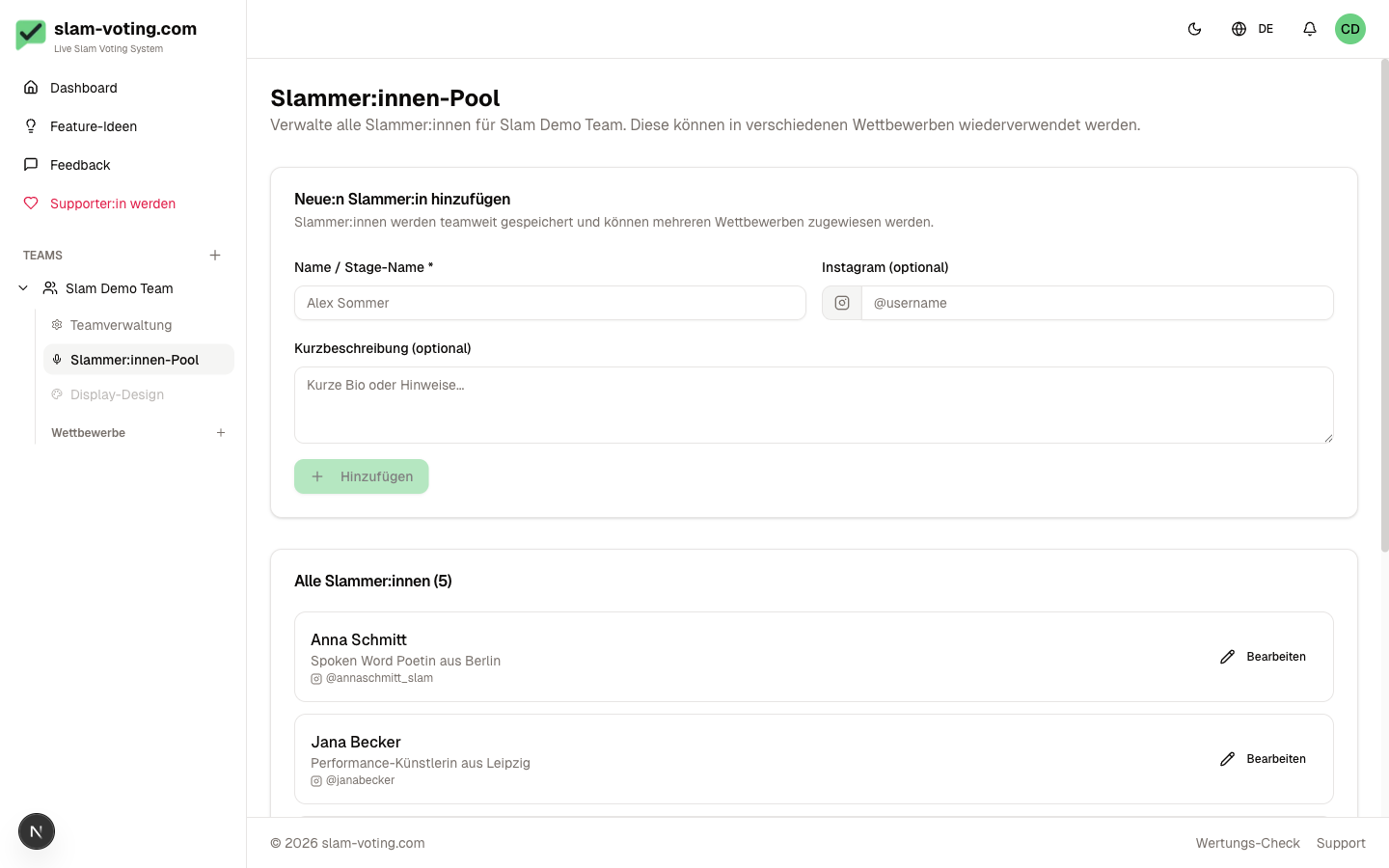
After creating performers, you see all of them in an alphabetical list.
Maintain the Pool
You can edit or deactivate performers at any time. Deactivated performers remain in the pool but no longer appear in the selection when you set up a lineup.
The list is sorted alphabetically and searchable.
Pool vs. Assignment
The pool is team-wide, not competition-specific. Performers from the pool are assigned to a specific round only when you set up the lineup. You can also create performers directly when setting up a lineup without filling the pool beforehand. These are then automatically added to the pool.
Permissions
Owners, admins, and editors can edit the pool. Viewers can see the pool but cannot make changes.