Search docs
Search guides, terms and topics
Teams
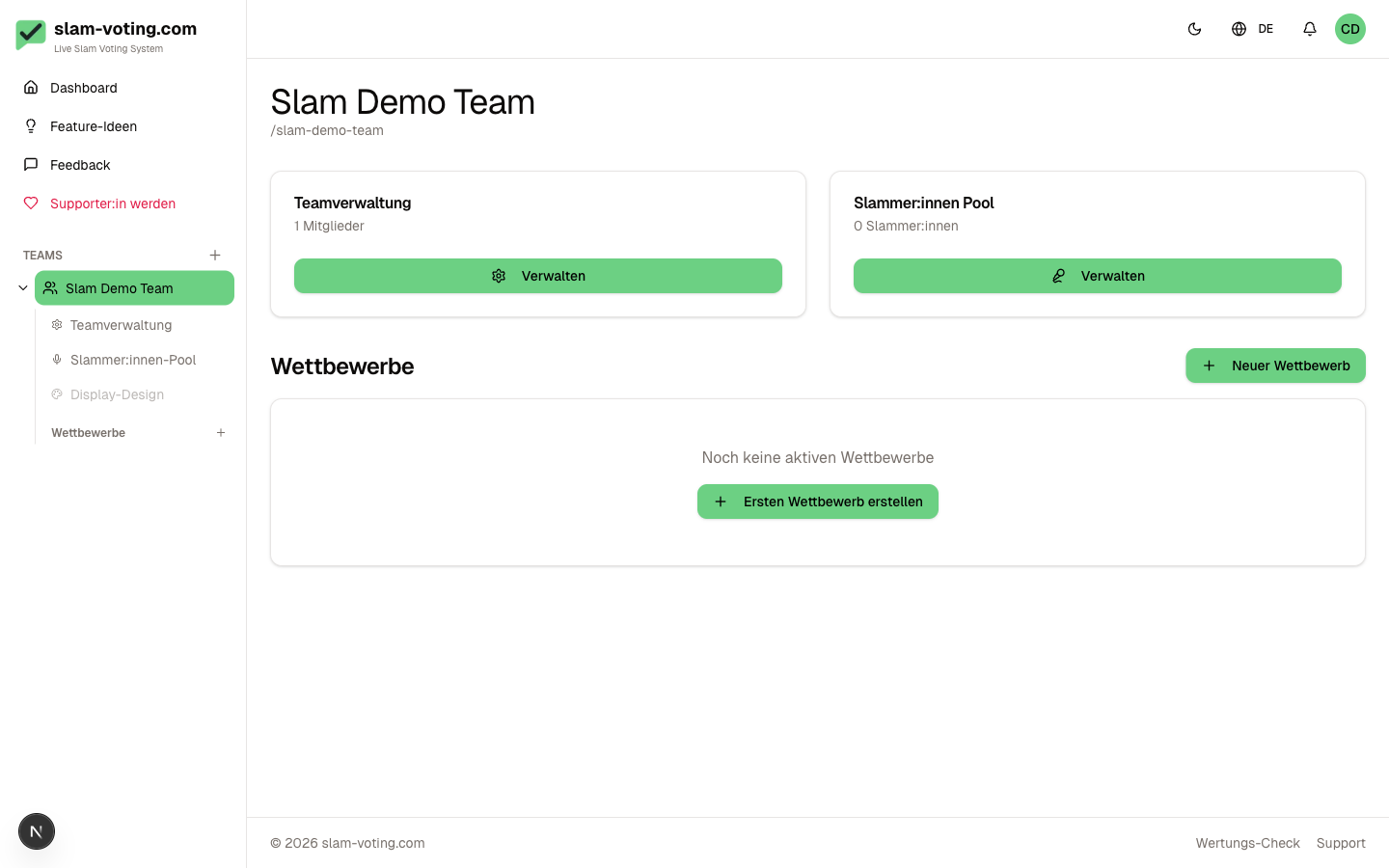
In slam-voting.com, everything is organized within a team. A team is your workspace: competitions, performers, display settings, and Supporter status are all tied to a team.
What Is a Team?
A team groups together all data belonging to an event series or organization. When you sign up, you automatically create your first team. Each team has a name, a slug (for public URLs), and an optional logo.
Roles at a Glance
Every team member has a role that determines what they can do:
| Role | Manage team | Invite members | Competitions & rounds | Purchase Supporter |
|---|---|---|---|---|
| Owner | Yes | Yes | Yes | Yes |
| Admin | Yes | Yes | Yes | No |
| Editor | No | No | Yes | No |
| Viewer | No | No | Read only | No |
The owner also has exclusive rights: delete the team, transfer ownership, and manage the Supporter subscription.
More details: Roles & Permissions
When Do I Need Which Role?
- Owner is the person who created the team. There is always exactly one owner per team.
- Admin is suitable for co-organizers who help manage the team.
- Editor works well for hosts who create competitions and score live but do not need to change team settings.
- Viewer is enough for people who only want to follow along, e.g. sponsors or guests.
Multiple Teams
You can be a member of as many teams as you like. This is handy if you work for different event series or help out as a host at other slams. You can switch between your teams at any time in the dashboard.