Search docs
Search guides, terms and topics
Screens Overview
The live display always shows exactly one screen. You switch screens via the live controls. Here is an overview of all available screens.
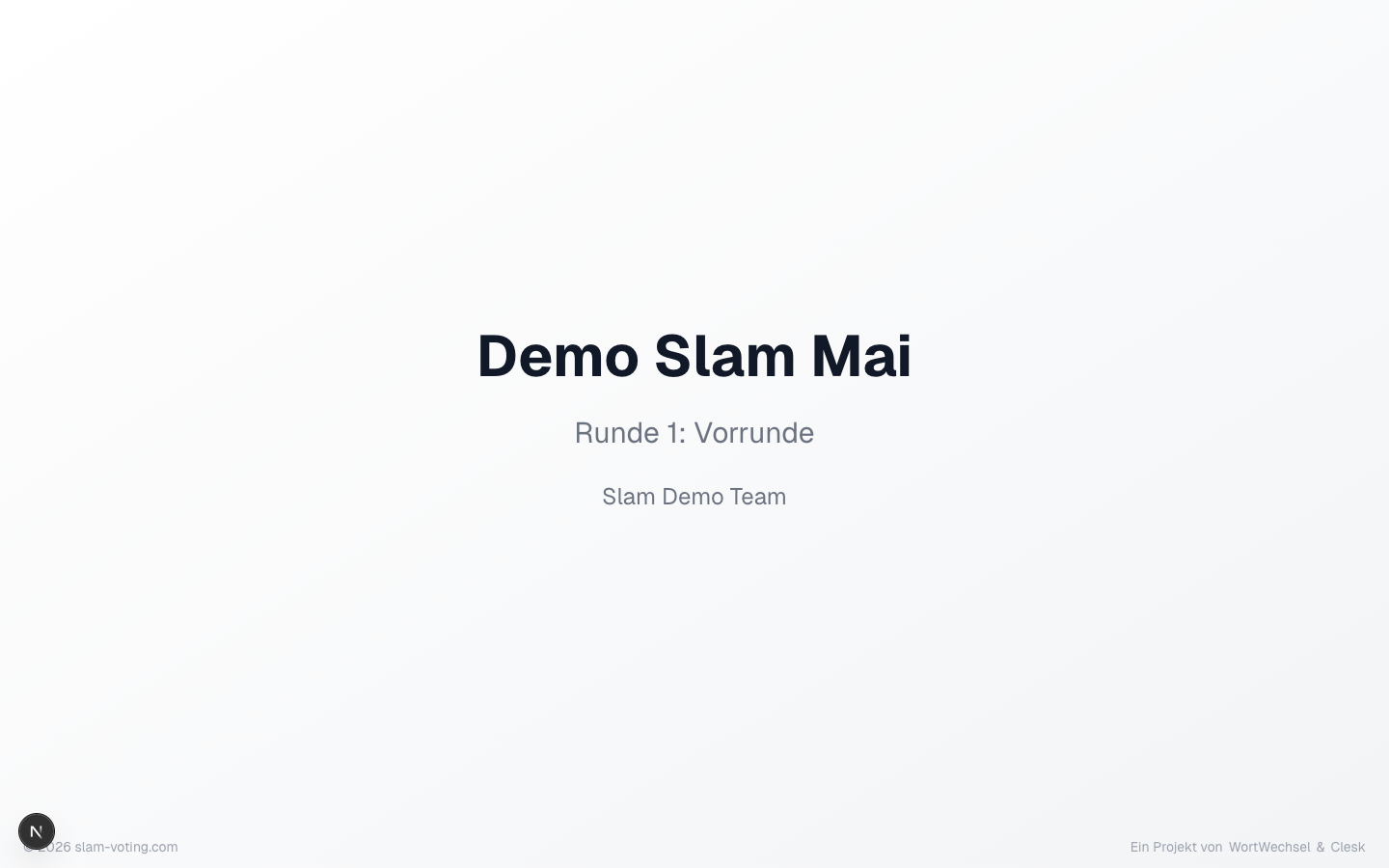
Title
Shows the name of the competition and the current round. Ideal as an opening screen before the event or when you welcome the audience.
Performer
Shows the name of the person currently on stage. For feature guests, an additional badge appears. Use this screen to announce the next performance.
Scores
Shows the individual scores from all jurors after a performance. Dropped scores are shown with a strikethrough. The final score appears prominently below.
This screen is only available with jury scoring. With applause ranking, there are no individual scores.
Round Results
The current ranking of all performers in this round. Shows name, scores, and placement. Feature guests are not listed in the ranking.
When groups are active, results are displayed grouped.
Overall Ranking
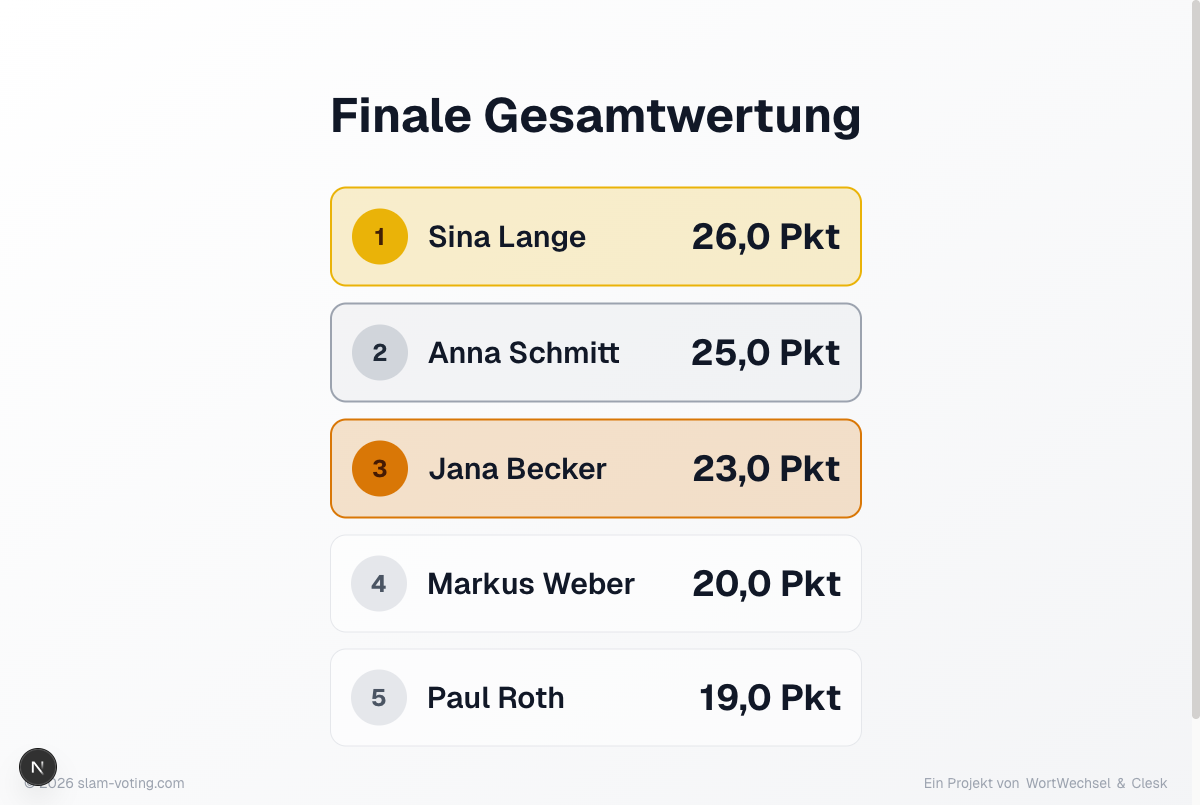
Combines the results of all completed rounds into an overall ranking. This screen is relevant when your competition has multiple rounds (e.g. preliminary + final).
Final Overall Ranking
Similar to the overall ranking but with final placements. Only available once all open tiebreakers have been resolved. With groups, it additionally shows who advances and who moves up as a wildcard.
Winner
Reveals the winning performer. With an active Supporter subscription, you can enable an optional confetti animation.
Break
Break screen, e.g. for setup breaks or drink breaks. Supporters can set a countdown timer, either as a duration (e.g. 15 minutes) or as a fixed time (e.g. "Back at 8:30 PM").
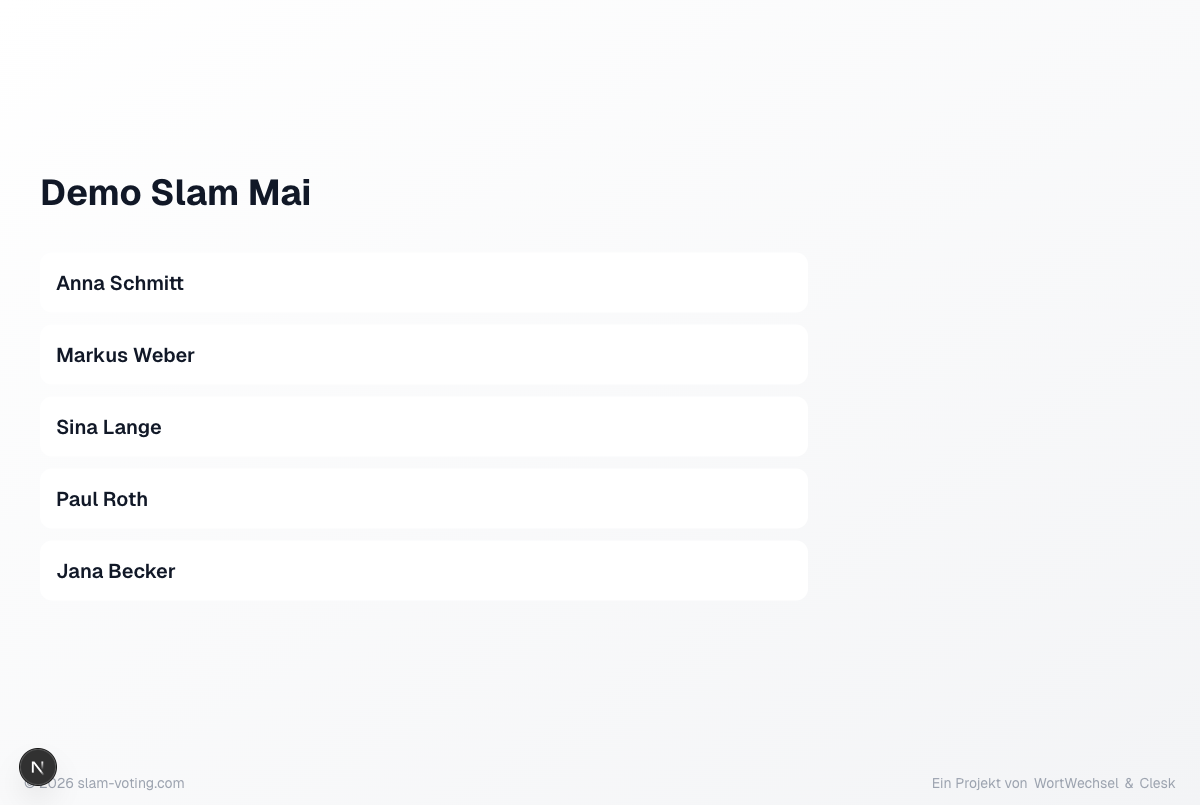
Participants
Overview of all performers in this round. Shows names and, with active groups, the group assignment. Feature guests are marked with a badge.
Tiebreaker Screens
During a tiebreaker, special screens are shown automatically:
- Announcement: indicates that a face-off is taking place
- Performer call-up: during applause voting, the affected performers are called up one by one
- Paddle vote: during an X/O decision, the display shows the assignment and a live tally
- Result: the outcome of the face-off
Background Only (Supporter)
Shows only the configured background image, without text or data. Only available with a Supporter subscription and an uploaded image.