Search docs
Search guides, terms and topics
Create an Account
To use slam-voting.com, you need a free account. Registration takes less than a minute.
Registration
- Go to slam-voting.com and click Sign Up
- Enter your email address and a secure password
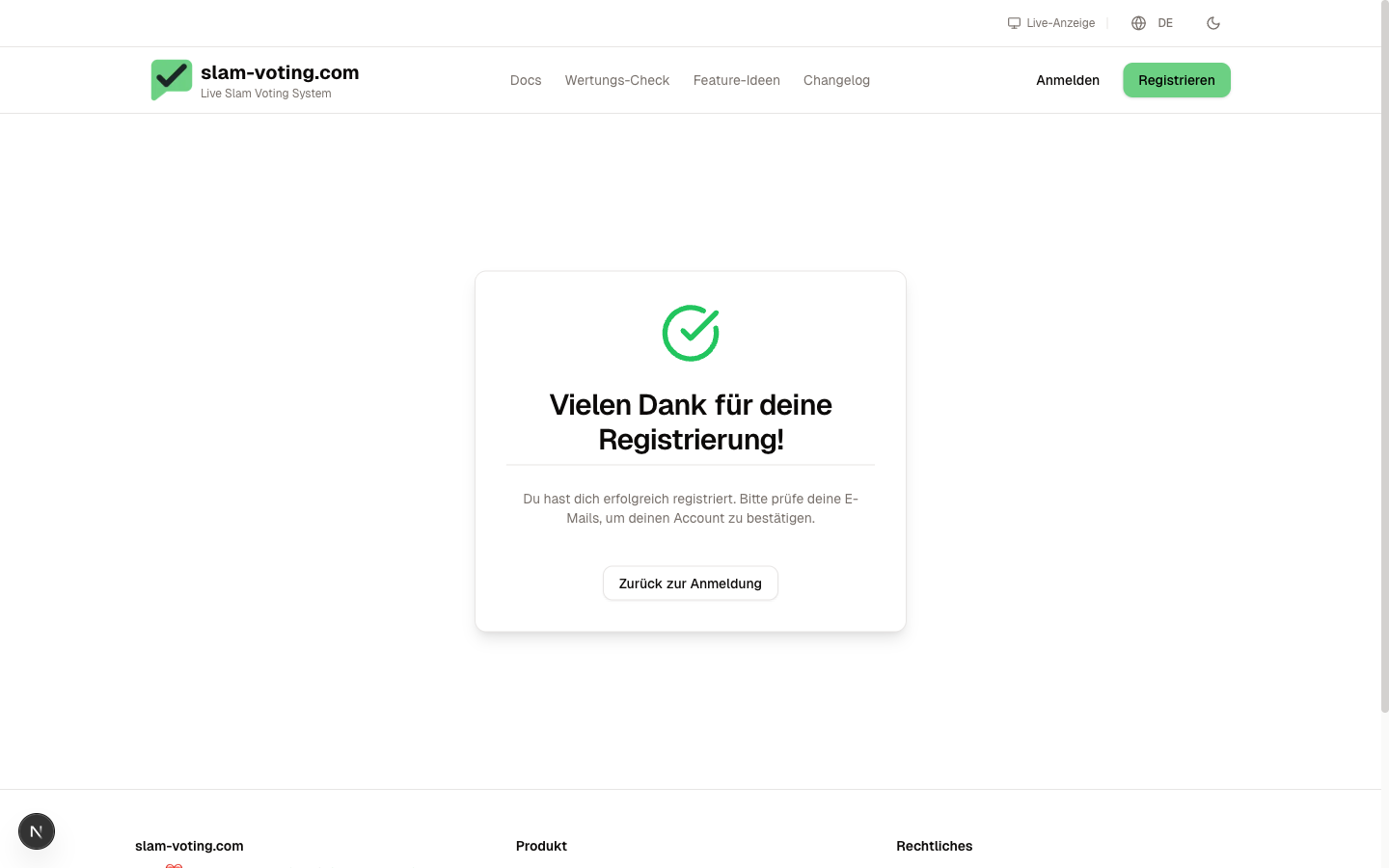
- Confirm your email address using the link you receive by email
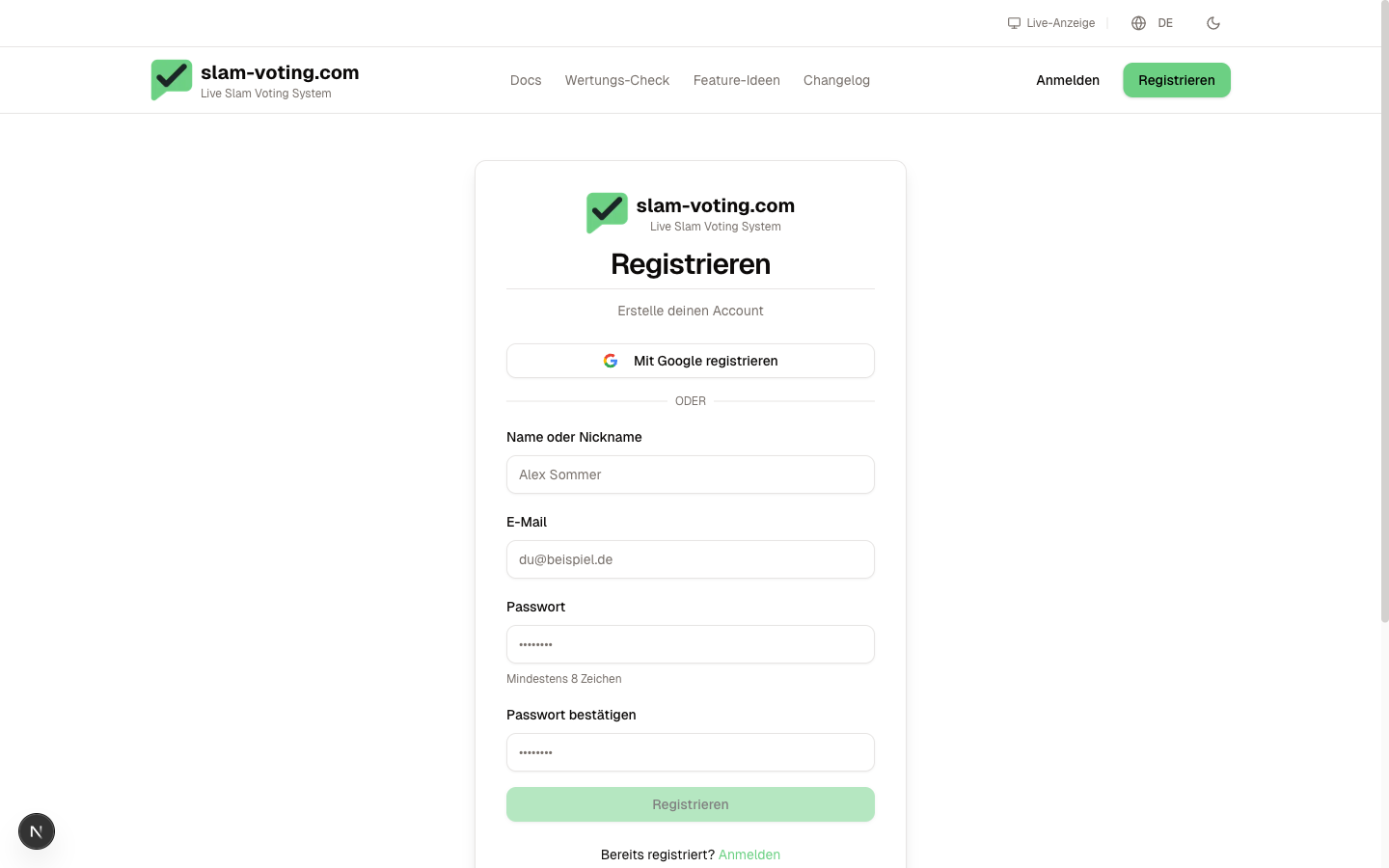
After submitting, you will see a confirmation page. Check your email inbox and click the confirmation link.
After confirming, you are automatically logged in and can get started right away.
Create a Team
Once you have signed up, you create a team. A team is the workspace for all your competitions.
- Give your team a name (e.g. "Slam Club Springfield" or "Uni Slam Berlin")
- The team name also appears on the public display later
- You can create additional teams at any time if you run multiple event series
Invite Team Members
Not working alone? Invite others to your team:
- Go to Team Management in the sidebar
- Click Invite Member
- Enter the person's email address
The invited person receives an email with a link and can start collaborating right away. Owners, admins, and editors can create competitions and enter scores. Viewers have read-only access. For details on roles, see Roles & Permissions.
Next Step
Account ready? Then create your first competition.