Create an Account
To use slam-voting.com, you need a free account. Registration takes less than a minute.
Registration
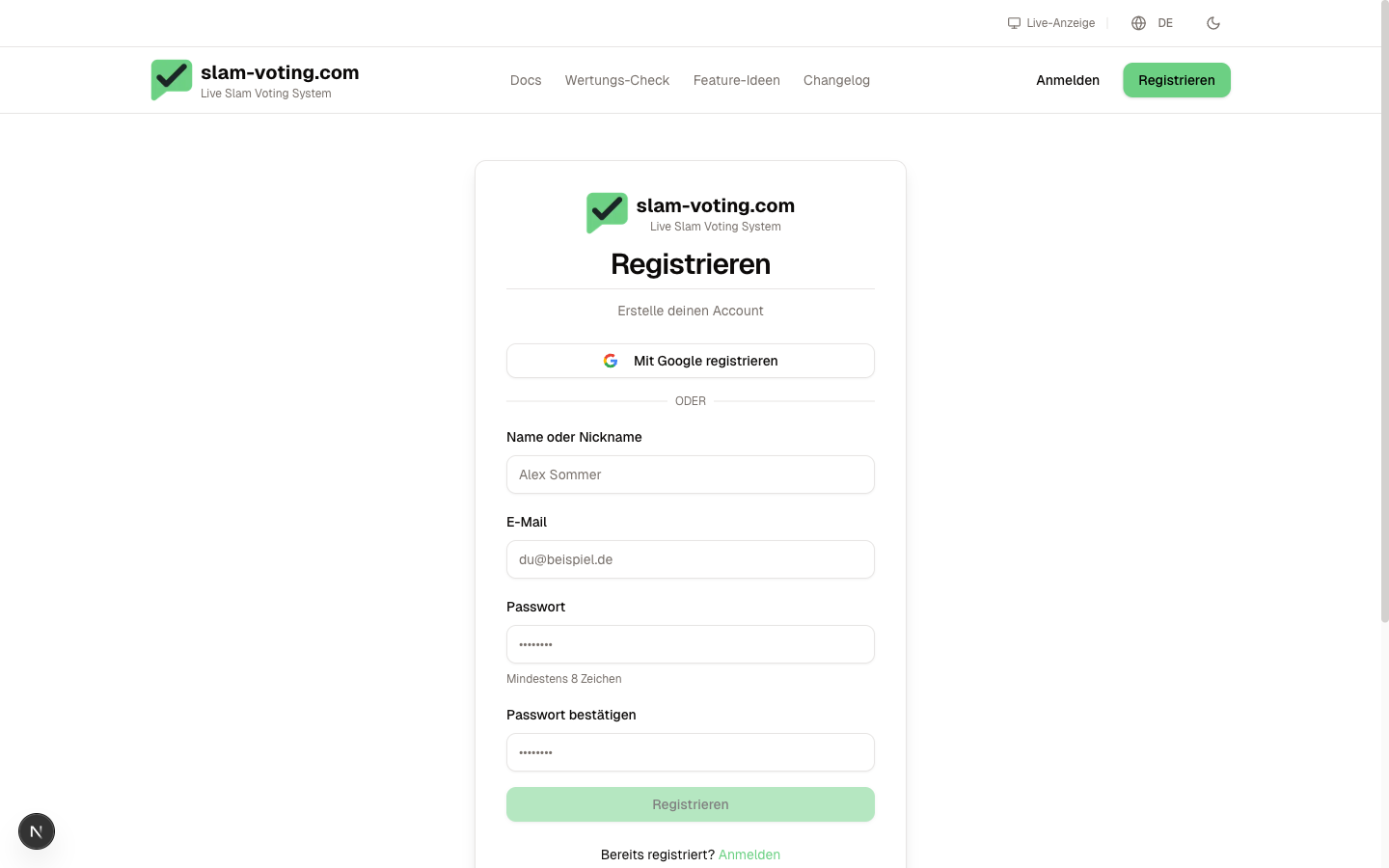
- Go to slam-voting.com and click Sign Up
- Enter your email address and a secure password
- Confirm your email address using the link you receive by email
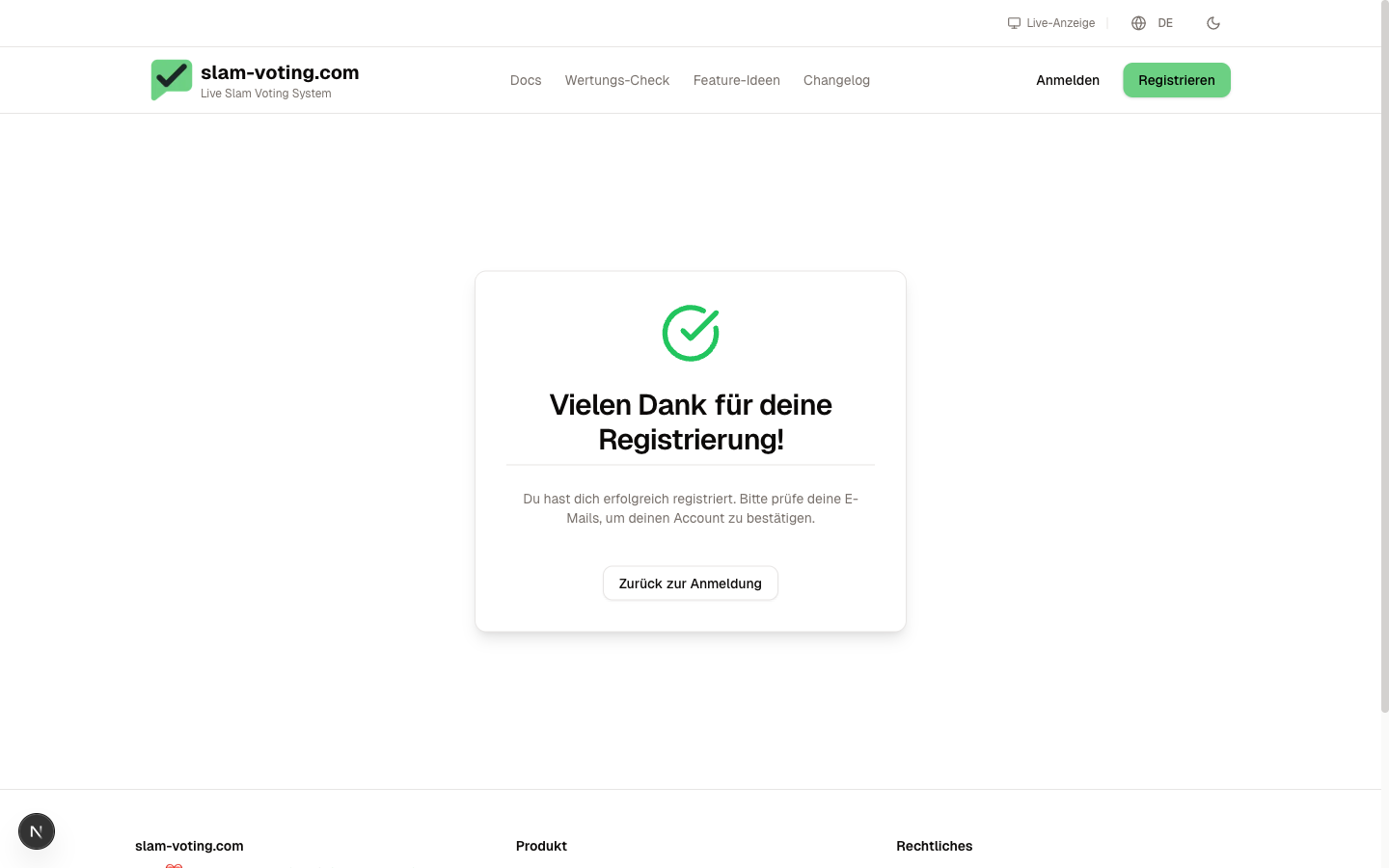
After submitting, you will see a confirmation page. Check your email inbox and click the confirmation link.
After confirming, you are automatically logged in and land on your personal dashboard. On your first login, the dashboard greets you with a brief 3-step setup (create a team, set up a competition, open the live display). If someone has already invited you to a team, the invitation appears prominently with an amber pulse, you can accept or decline it right from there.
Create a Team
Once you have signed up, you create a team. A team is the workspace for all your competitions.
- Give your team a name (e.g. "Slam Club Springfield" or "Uni Slam Berlin")
- The team name also appears on the public display later
- You can create additional teams at any time if you run multiple event series
Invite Team Members
Not working alone? Invite others to your team:
- Go to Team Management in the sidebar
- Click Invite Member
- Enter the person's email address
The invited person receives an email with a link and can start collaborating right away. Owners, admins, and editors can create competitions and enter scores. Viewers have read-only access. For details on roles, see Roles & Permissions.
Next Step
Account ready? Then create your first competition.